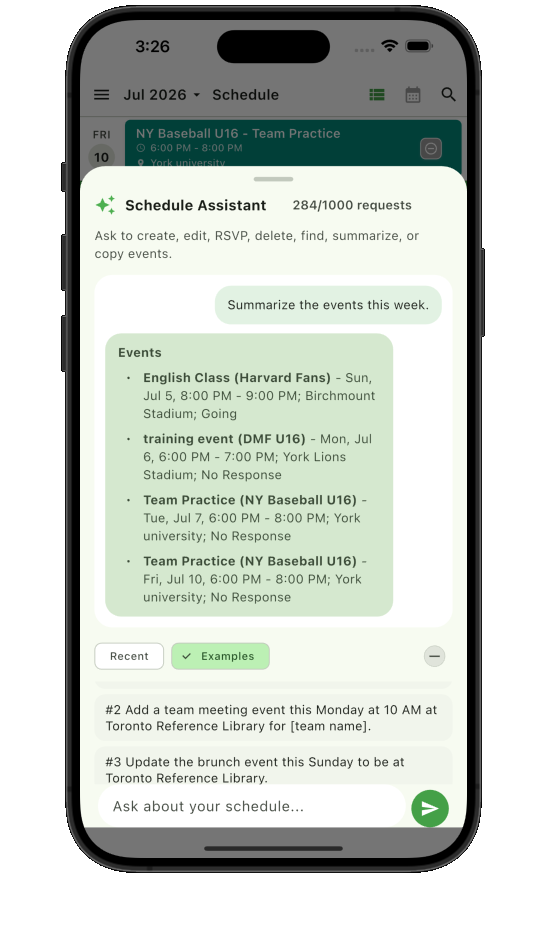
AI Schedule Assistant
Use natural requests to create, edit, delete, find, summarize, RSVP, or copy events when you want the assistant to speed things up.
 Teamnest Pro
Team scheduling app with optional AI help
Plan shared team calendars, create recurring events, collect RSVPs, and send updates from one mobile app. Use the Schedule Assistant when it helps, or manage every detail yourself with familiar event and messaging controls.
Built around the real team loop
Use natural requests to create, edit, delete, find, summarize, RSVP, or copy events when you want the assistant to speed things up.
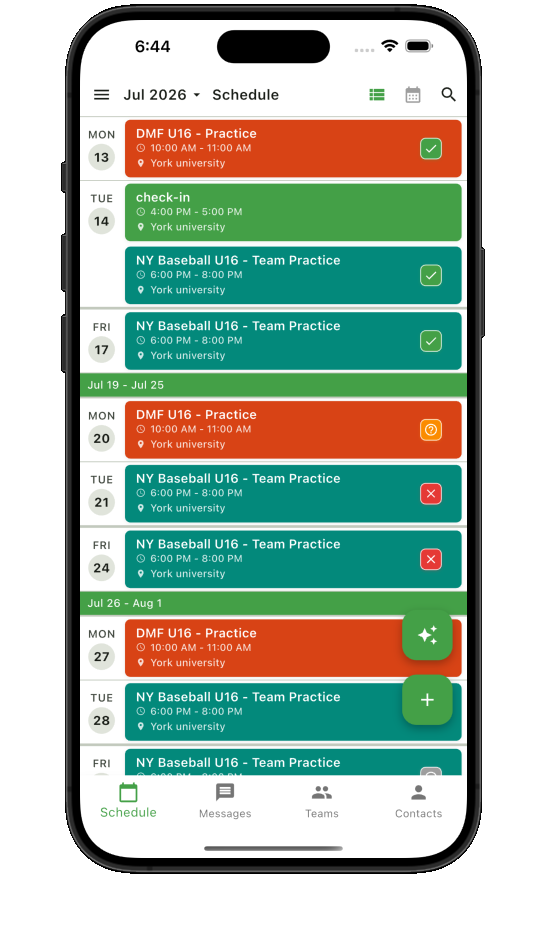
Scan schedules as a list, plan by month, or focus on a single day.
Set one-time events or repeating practices, classes, games, and meetings.
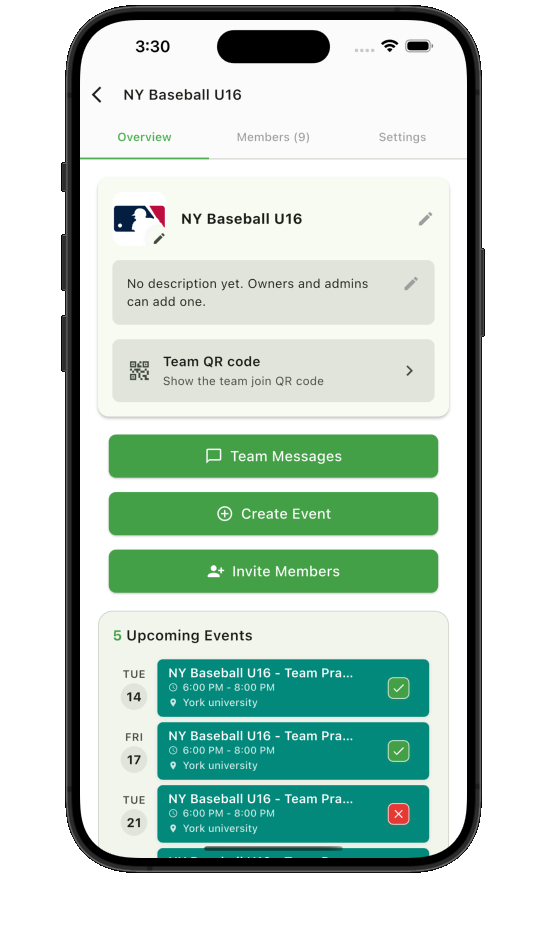
Invite members by email or let them join the right team with a QR code.
Use personal messages, team messages, and rich message types in one place.
Track going, maybe, and not going responses, and notify the right members.
Built for the way your group plans
Start with the workflow closest to yours, then use the same calendars, responses, reminders, and messages as your team grows.
Keep recurring plans, personal events, reminders, and calendar views in one place.
Explore the team calendar appCoordinate practices, games, coaches, families, invitations, and last-minute changes.
Explore sports team scheduling Compare free sports team appsSee who is going, maybe, not going, or still needs to respond before an event.
Explore team RSVP tracking